Pixelate a Photo Online
Apply Block Pixelation for Fast Censorship and Stylized Edits
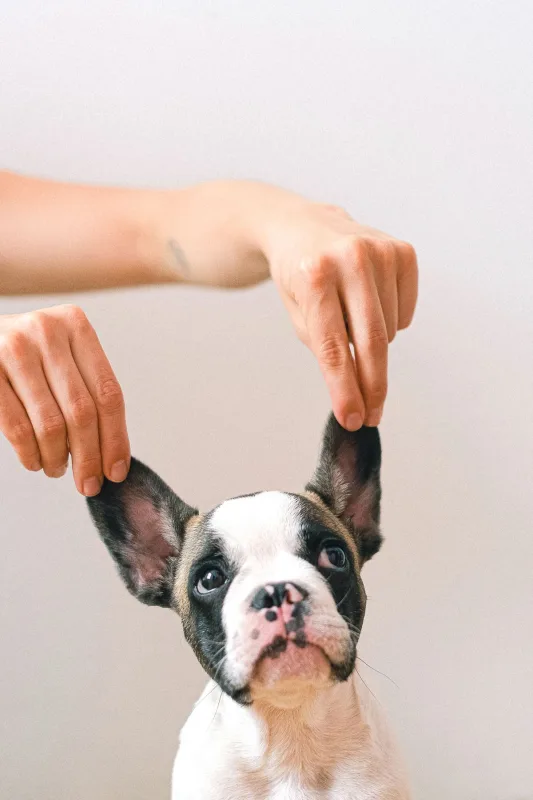
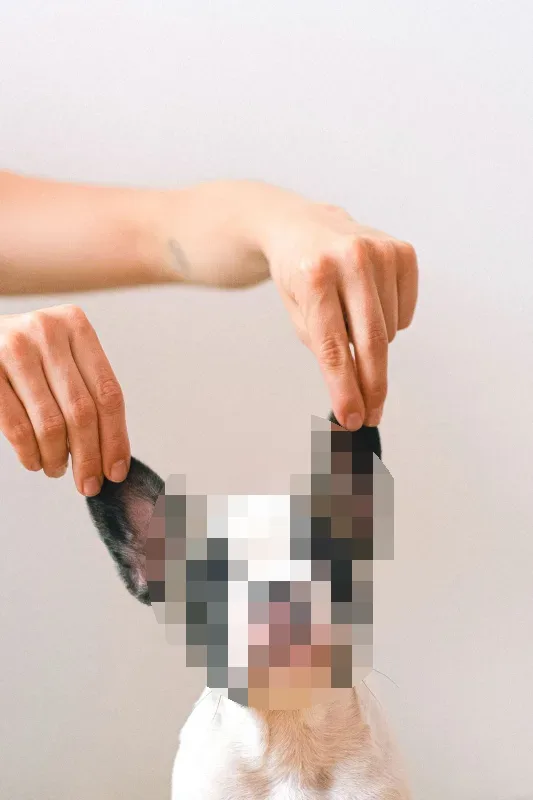
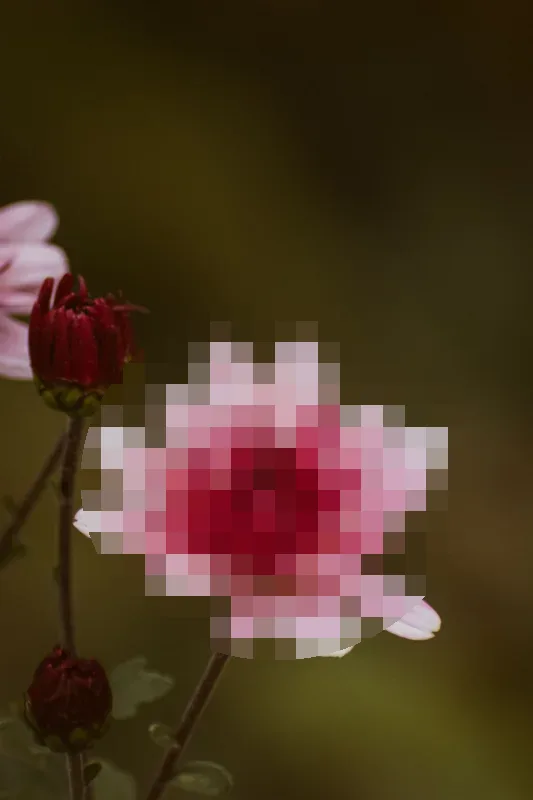
Pixelation converts fine image details into larger, blocky pixel grids. It is an effective way to obscure sensitive visual data, censor confidential information, or add a classic retro aesthetic to digital media.
The Pixelate an Image Online tool provides an interactive browser-based editor that lets you isolate specific image regions, set your desired block size, and preview pixelation effects in real time.
Key Features
- Real-Time Interactive Preview: Adjust pixel block sizes and watch the output update dynamically to inspect your censorship level instantly.
- Adjustable Block Density: Scale block sizes from subtle low-resolution filters to heavy, high-density pixelation for total detail removal.
- Flexible Mask Geometry: Switch between rectangular selection masks for structured text or documents, and oval masks for faces and natural shapes.
- Precision Placement Handles: Position, scale, and align your pixelation region using intuitive drag handles or manual pixel coordinate inputs.
- 100% Browser-Based Security: Image processing executes entirely within your browser, ensuring your private photos and sensitive files are never transmitted to external servers.
Common Use Cases
- Privacy & Content Censorship: Obscure sensitive text, financial data, personal credentials, or faces in screenshots and public photos.
- Retro & Pixel Art Styling: Create stylized retro graphics, gaming-inspired thumbnails, or mosaic visual effects.
- Media & Publishing Prep: Anonymize background details, identity tags, or proprietary logos before publishing web media.
Upload an image above, position your selection mask, adjust the pixel block size, and export your pixelated output immediately.