Pixelate a Face Online
Anonymize Identities with Real-Time Pixelation Controls
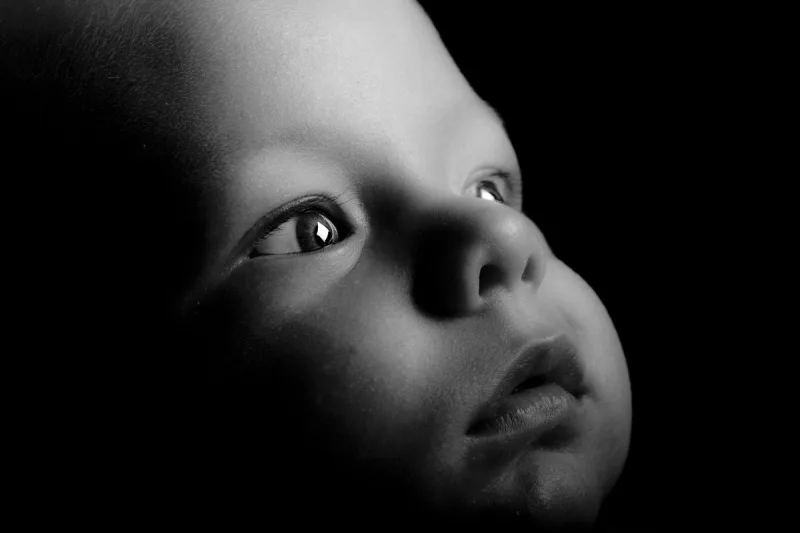
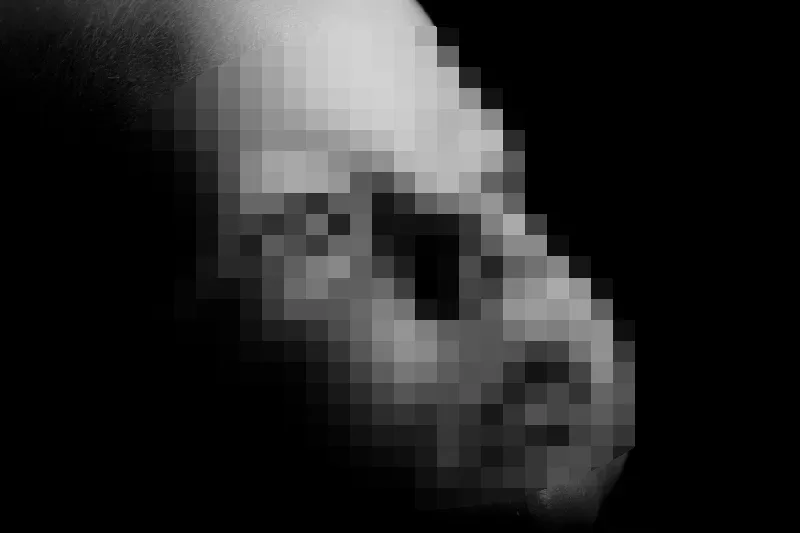
Censoring faces in photos is essential when sharing group shots, public media, or official reports where individual privacy must be preserved. Pixelation offers a clean, classic way to obscure facial features while maintaining the overall context of the original photograph.
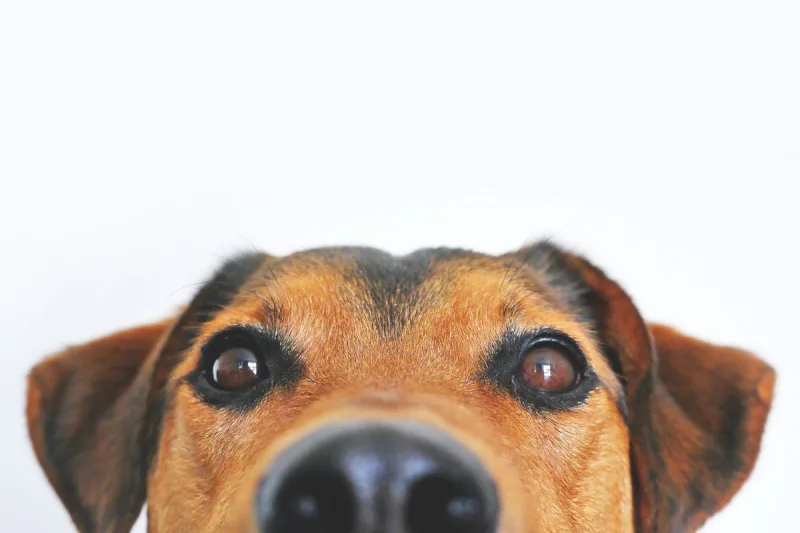
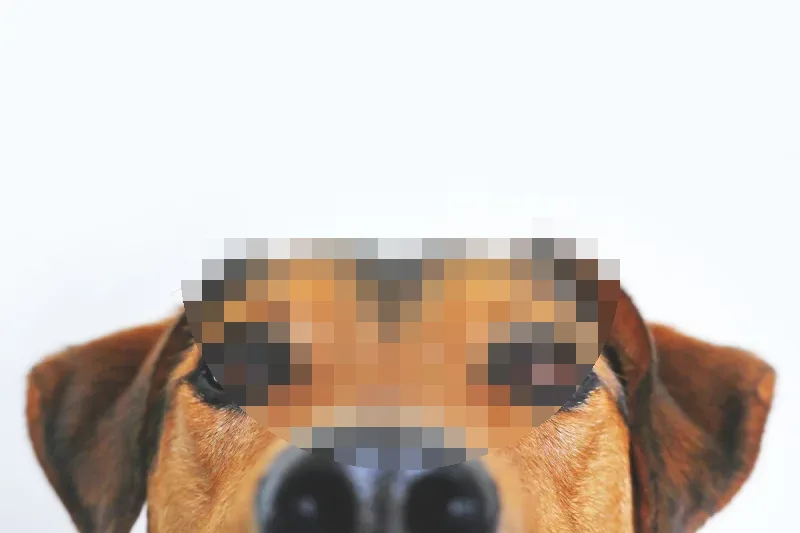
The Pixelate a Face Online tool provides an interactive, browser-based editor that lets you position a pixelation mask directly over any face, adjust block sizes in real time, and verify privacy protection before downloading your image.
Key Features
- Dynamic Block Size Control: Scale pixelation density from light distortion to heavy, high-density block grids to ensure facial details are completely unrecoverable.
- Real-Time Live Output: Preview edits instantly as you adjust mask parameters to balance privacy protection with photo aesthetics.
- Flexible Mask Geometry: Choose between natural oval selection masks designed to follow facial contours and rectangular masks for broader area coverage.
- Intuitive Positioning Handles: Move, resize, and reshape the pixelation area effortlessly using drag handles or precise coordinate inputs.
- Private Browser Processing: All image modifications take place locally within your web browser, ensuring private photos are never uploaded or stored on external servers.
Common Use Cases
- Social Media & Event Photos: Anonymize children, bystanders, or attendees in public photos before publishing them online.
- News & Documentary Media: Obscure the identities of interviewees, sources, or members of the public in field photography.
- Corporate & Compliance Documentation: Redact faces in security camera exports, office screenshots, or public-facing reports to meet privacy standards.
Upload your photo above, adjust the pixelation mask over the face, and download your privacy-protected image immediately.