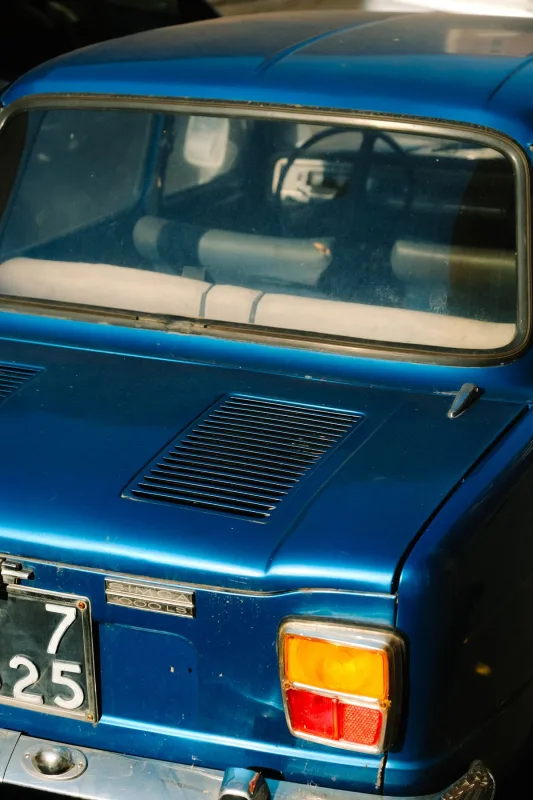
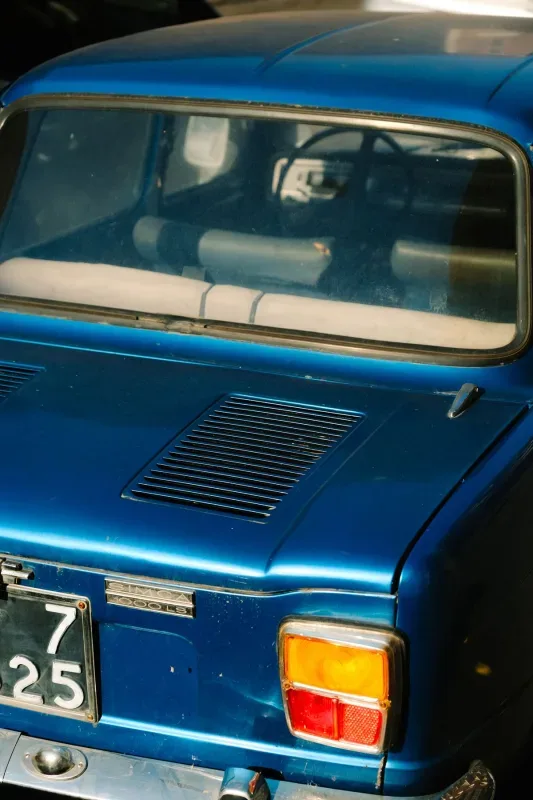
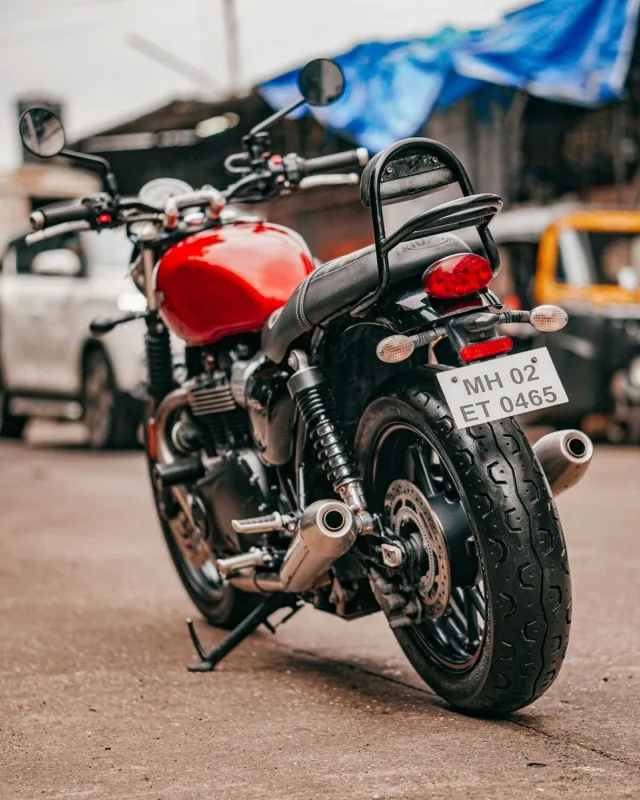
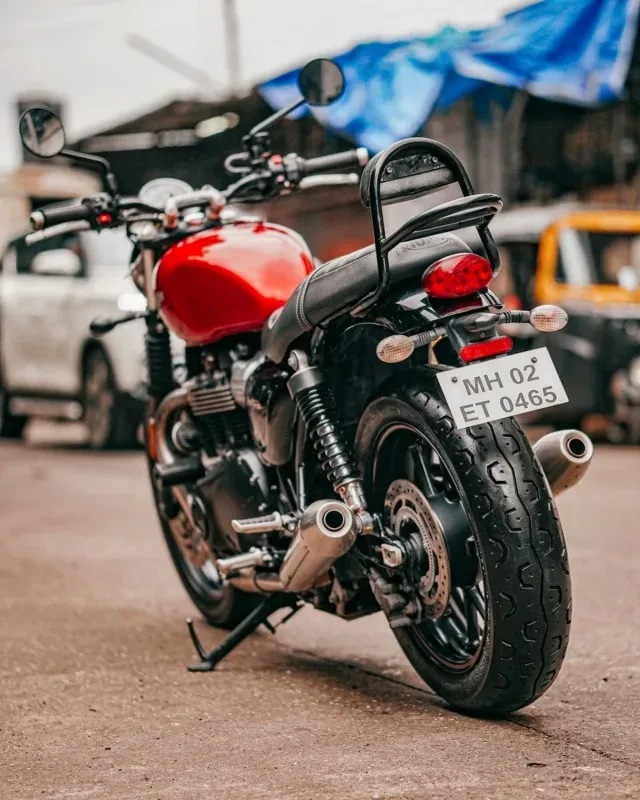
Hide a License Plate Completely
Completely Cover Vehicle Plates Using Blur, Pixelation, or Solid Fill
Exposing license plate numbers in online photos can accidentally reveal owner identity, vehicle registration records, and location data. Depending on whether you are creating listing photos, social media posts, or formal legal documentation, you may need a soft aesthetic edit or a complete, unrecoverable blackout.
The Hide a License Plate Completely tool lets you apply blur, pixelation, or solid color fill to obscure any license plate, giving you full control over coverage, mask shape, and export options.
Key Features
- Three Complete Coverage Methods: Select the right redaction style for your output requirements:
- Solid Color Fill: Provides maximum privacy protection by completely blocking the plate with a solid black or custom shape.
- Pixelation: Converts plate text into blocky pixel clusters to maintain a digital aesthetic while obscuring characters.
- Blur: Blurs the license plate smooth, keeping a natural photo appearance while rendering all text unreadable.
- Custom Mask Shapes: Choose between standard rectangular selection masks designed for linear plates and oval masks suited for angled or off-center vehicle shots.
- Fine-Tuned Placement & Precision: Adjust mask dimensions with interactive drag handles or enter exact pixel coordinates ($X/Y$ positioning, width, height) to ensure every character is covered.
- Flexible Format Export: Save your redacted image as PNG, JPEG, or WebP to optimize file quality or compress for quick web uploads.
- Client-Side Security: Image processing is executed entirely within your browser, ensuring your original vehicle photos never leave your device.
Common Use Cases
- Online Vehicle Listings & Classifieds: Completely block plate numbers before posting cars for sale on public marketplaces or auction platforms.
- Automotive Photography & Social Media: Obscure plates on car photos, car meets, or street shots prior to sharing them on social channels.
- Real Estate & Street Media: Redact parked cars appearing in driveway, neighborhood, or property marketing photos.
Upload your vehicle photo above, choose your preferred concealment method, position the mask over the plate, and download your edited image immediately.