Hide a Face with Three Methods
Protect Identities with Custom Redaction Styles and Precision Controls
Whether you are publishing event media, preparing legal documentation, or sharing photos on social platforms, safeguarding individual privacy requires flexible redaction choices. Different contexts call for different visual approaches—ranging from subtle, soft edits to complete visual blackout.
The Hide a Face with Three Methods tool combines three distinct privacy techniques into a single, private browser-based editor, allowing you to select, position, and export your edited photo in seconds.
Key Features
- Three Versatile Redaction Methods: Switch effortlessly between distinct privacy styles:
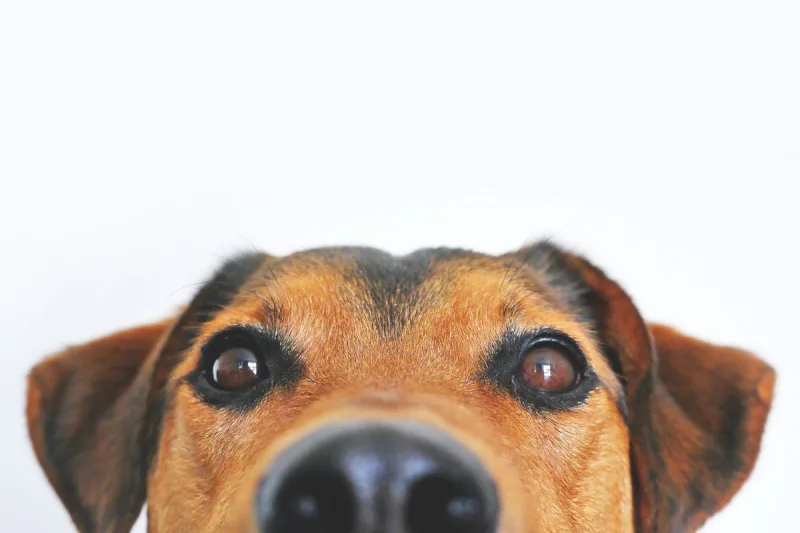
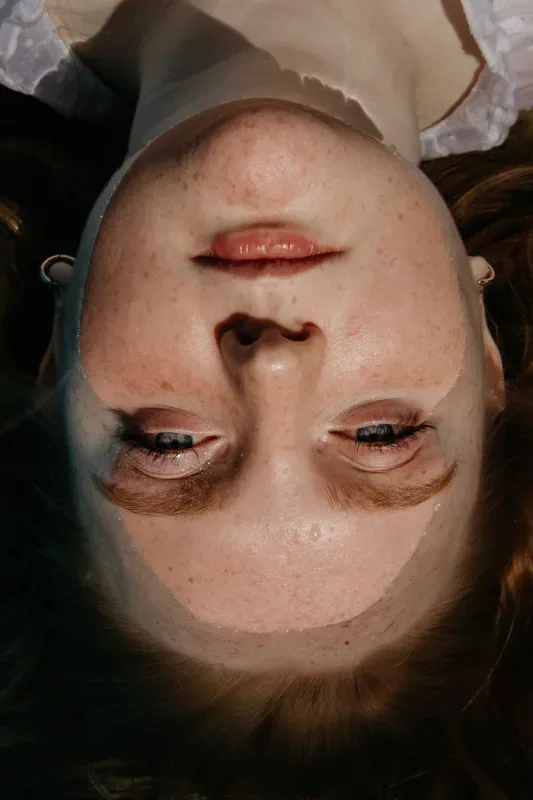
- Blur: Apply a soft, smooth mask to obscure facial features while maintaining a natural photo background.
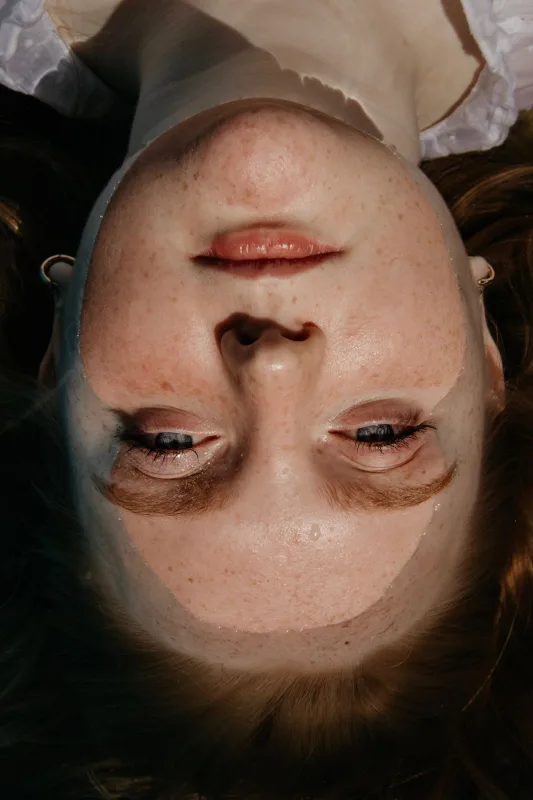
- Pixelation: Render classic, retro block masks for clean visual redaction.
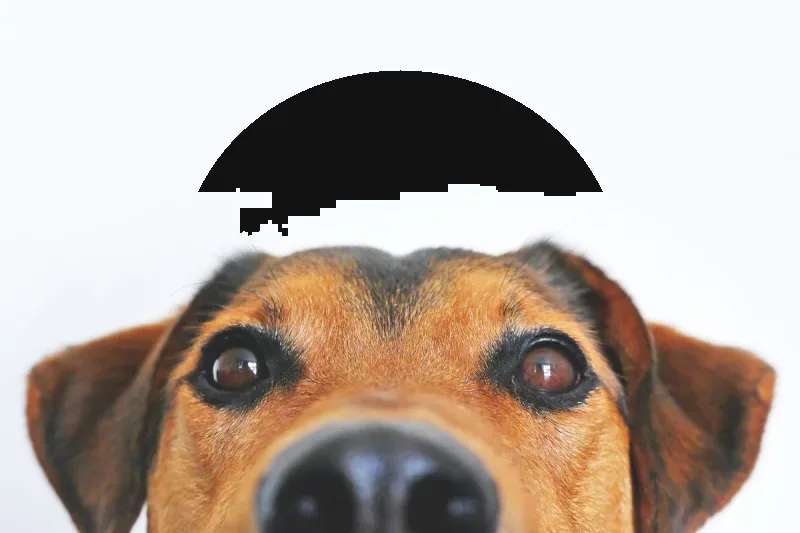
- Solid Color Fill: Place solid, high-contrast shapes for total, unrecoverable visual coverage.
- Flexible Mask Geometry: Toggle between natural oval masks that follow facial contours and rectangular masks for broader coverage.
- Precision Drag & Coordinate Controls: Fine-tune mask placement using interactive resize handles or enter exact pixel dimensions ($X/Y$ coordinates, width, and height).
- Multiple Output Formats: Export your finished image as a PNG, JPEG, or WebP file to match your target file size and quality preferences.
- 100% Client-Side Privacy: Your images are processed entirely within your web browser, ensuring original files are never uploaded, stored, or processed on external servers.
Common Use Cases
- Public & Social Media Sharing: Anonymize crowds, children, or non-consenting bystanders before posting group shots or street photography online.
- Legal & Corporate Redaction: Apply solid color fills or high-strength pixelation to protect identities in legal exhibits, workplace reports, or compliance documents.
- Journalism & Field Media: Obscure the faces of sources, interviewees, or sensitive subjects before publishing news media.
Upload your image above, select your preferred redaction method and mask shape, and export your privacy-protected photo immediately.