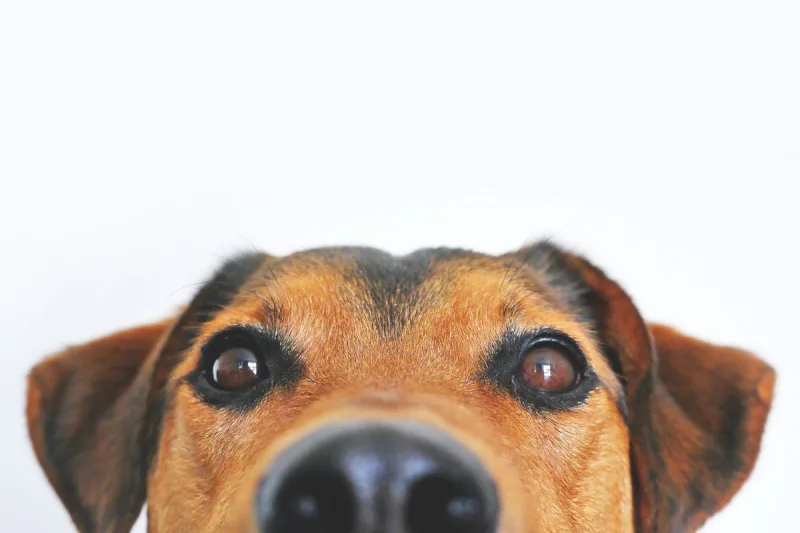
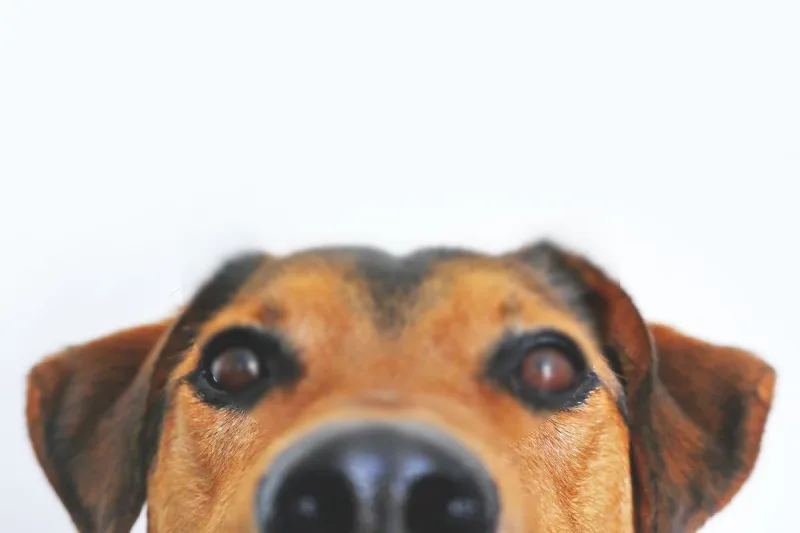
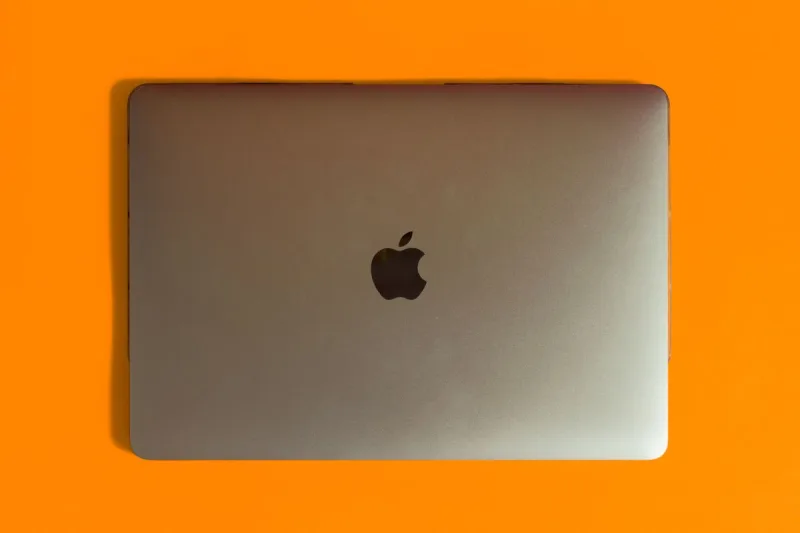
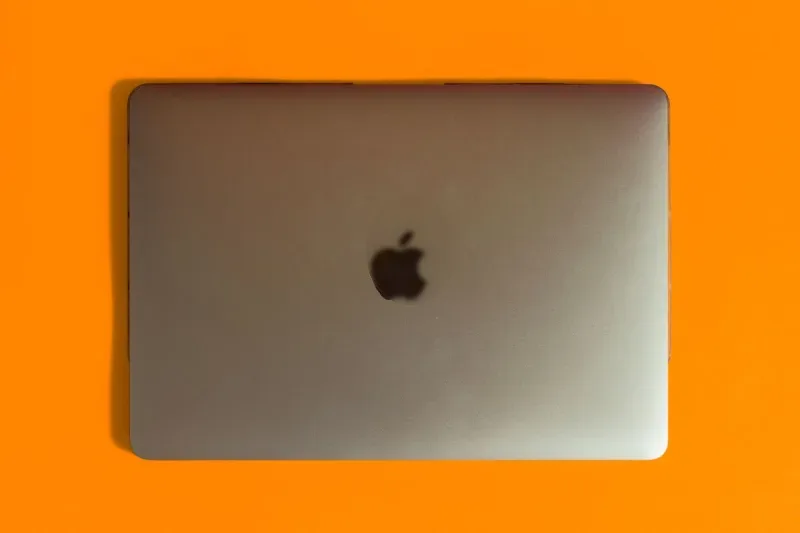
Blur Any Part of the Photo
Selectively Obscure Sensitive Details and Soften Focus
Redacting confidential information or creating soft-focus visual effects on images shouldn't require complex image editing software. Obscuring sensitive numbers, protecting identities, or softening background elements should be simple and precise.
The Blur an Image tool allows you to isolate specific areas of any photo and apply customizable blur effects directly within your browser.
Key Features
- Customizable Blur Strength: Precision sliders allow you to adjust blur intensity—from subtle softening to heavy, unrecoverable blurring for total privacy.
- Flexible Selection Shapes: Toggle between rectangular and oval selection masks to fit text blocks, faces, license plates, or irregular objects cleanly.
- Pixel-Exact Coordinates: Enter manual pixel dimensions ($X/Y$ coordinates, width, and height) when exact placement and alignment matter.
- Multiple Export Formats: Export your final edited image in PNG, JPEG, or WebP formats to balance visual quality and compression file size.
- Client-Side Privacy: Image processing happens entirely within your browser engine, ensuring sensitive documents and private photos are never uploaded to an external server.
Common Use Cases
- Document & Screenshot Redaction: Easily blur out credit card numbers, passwords, personal addresses, or sensitive account details before sharing screenshots.
- Identity & Privacy Protection: Obscure faces, badges, or vehicle license plates in public photos prior to social media publishing.
- Focus & Depth Effects: Soften distracting background elements in product photos or portraits to draw focus to the primary subject.
Upload an image above, adjust your selection mask, and export your blurred photo immediately.