Blur a Face for Privacy
Anonymize Identities and Protect Personal Privacy Instantly
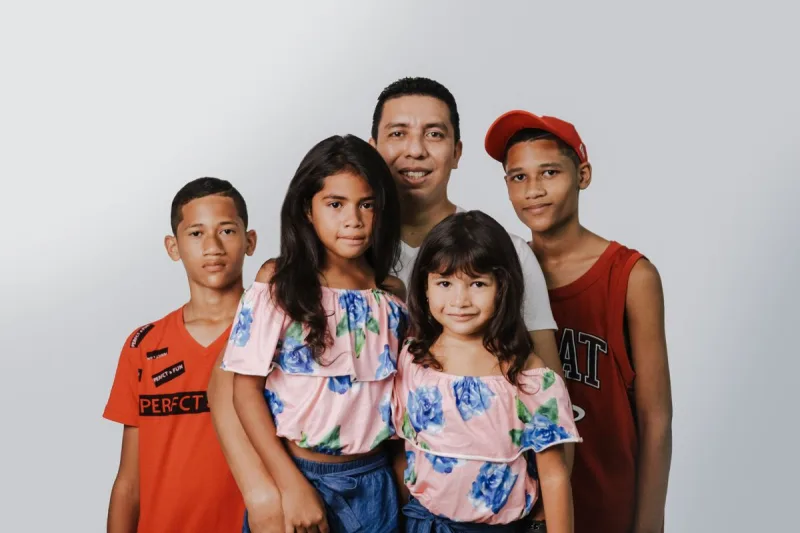
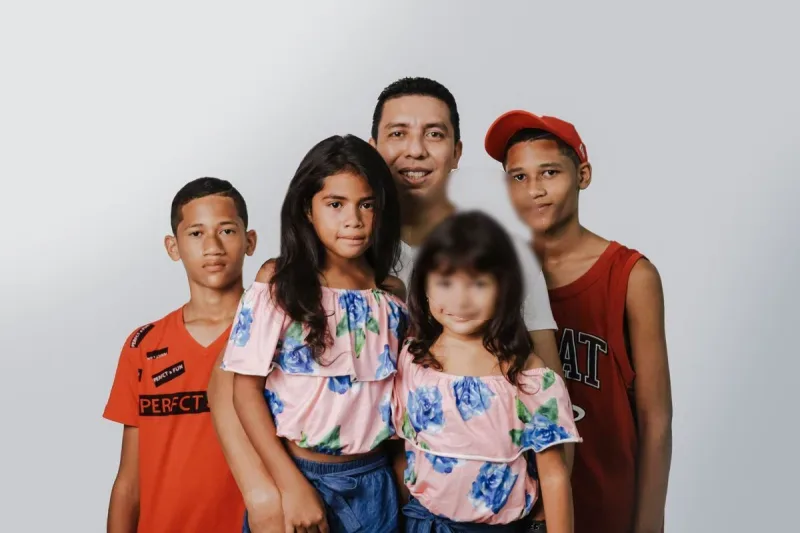
Sharing photos publicly while protecting the identity of individuals, children, or bystanders shouldn't require complex graphic design software. Ensuring face privacy in photos requires fast, precise tools that keep sensitive media safe.
The Blur a Face for Privacy tool lets you place adjustable blur masks over faces in any photo, customizing coverage and blur strength with complete control.
Key Features
- Natural Mask Shapes: Switch seamlessly between oval selection masks that follow facial contours naturally and rectangular masks for broader coverage.
- Flexible Coverage Controls: Drag, resize, and fine-tune mask positioning using interactive corner handles or enter exact pixel coordinates for precise placement.
- Customizable Blur Intensity: Dial in the exact blur strength needed—from light blurring to complete, high-density redaction that permanently obscures facial features.
- 100% Client-Side Privacy: Image processing happens entirely inside your browser, ensuring your original photos are never uploaded, saved, or exposed to external servers.
- Multiple Export Formats: Export your final edited image in PNG, JPEG, or WebP formats to balance visual quality and compression file size.
Common Use Cases
- Social Media & Event Sharing: Anonymize children, party guests, or bystanders in group photos before posting to social platforms.
- News & Field Reporting: Protect the identities of sources, interviewees, or members of the public in journalistic photographs.
- Corporate & Legal Compliance: Obscure faces in workplace screenshots, security exports, or public presentations to maintain privacy compliance.
Upload a photo above, position your blur mask over any face, and download your privacy-protected image immediately.